
Google Looker Studio - 1 Day Intensive
A comprehensive one-day training course designed to transform you from a data-gatherer into a data-storyteller. Learn to build automated, interactive dashboards that drive business decisions.
About the Course
Lifetime Access
Keep all course materials and recordings forever.
Expert Trainer
Learn from a real practitioner, not just a teacher.
Post-Training Support
Get help implementing what you've learned.
What You'll Learn
Curriculum
Topics
- Introduction to Looker Studio
- How data sources work
- Getting familiar with the canvas
- Adding charts and graphs
Practical Exercise
Get hands-on creating a brand new report in Looker Studio and add various charts to visualise your data in different ways. Use any data source you wish.
Topics
- Dynamic date ranges
- Interactivity in charts
- Filters and cross-filtering
- Control fields
Practical Exercise
Update your Looker Studio dashboard to include dynamic elements. Add a date range and at least one filter control, at least one interactable chart, and at least one filtered chart.
Topics
- Calculated metrics
- Calculated dimensions
- Dtaa source editing
- Data blending
Practical Exercise
Update your Looker Studio dashboard to include custom data elements. Add at least one chart-level calculated field and one at the data source level. Use at least one blended data source in a visualisation of your choice.
Topics
- Dashboard design principles
- Stakeholder orientation
- Scheduling and embedding
- Tips and tricks
Practical Exercise
Keep going with your dashboard and see if you can finish it up utilising all the features we covered in this model to ensure better adoption from your stakeholders.
Ready to upskill your team?
Get in touch to discuss dates, customization, or if you have any other questions.
Delivery Options
Format
Four 90-minute calls, one per week
Requirements
Working webcam and microphone, dual screens recommended (one for watching, one for doing).
Benefits
- Convenience: Join from anywhere
- Sessions are recorded
- Lower carbon footprint
Considerations
- Limited time for Q&A
- Group focous: no 1-on-1 time
Format
Full day 09:30 to 16:30, with multiple breaks and lunch
Requirements
Venue with projector or large screen, lunch to be provided.
Benefits
- 1-on-1 time for questions and support
- Organic group discussions and exercises
- Dedicated time away from daily distractions
Considerations
- Travel time and expenses to be covered
- Venue costs (if not at your office)
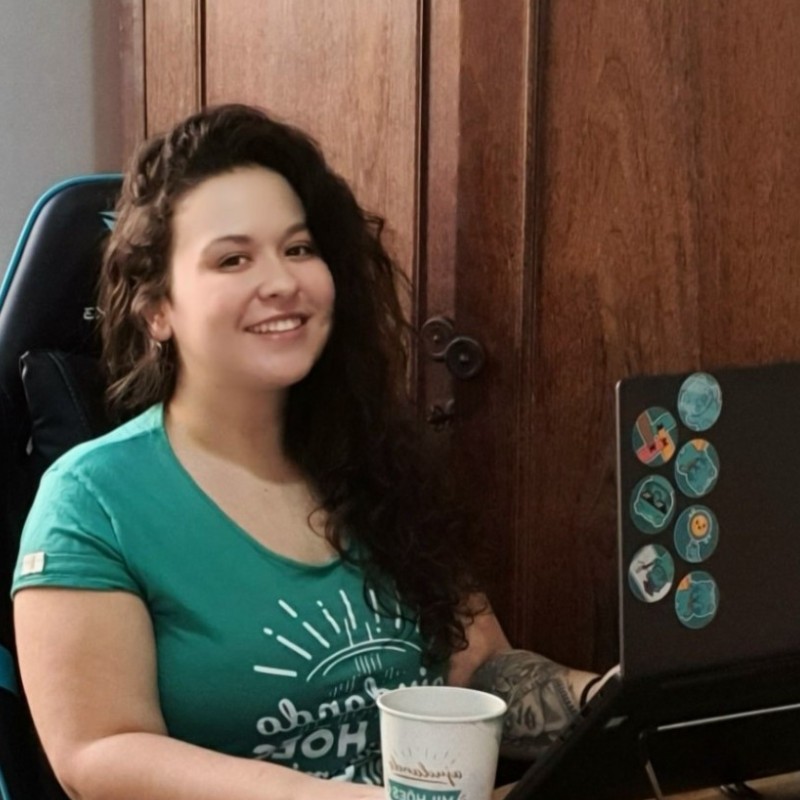
Meet Your Trainer
Testimonials
Here's what some of my clients have to say about my work.






Brands I've Helped
I've had the pleasure of working with some amazing teams and brands.









Agencies I've Helped
I've also been lucky enough to work with some of the best agencies in the business.







Frequently Asked Questions
Ready to upskill your team?
Get in touch to discuss dates, customization, or if you have any other questions.